Translation helps users to translate Odoo ERP to any required language. Translation is very important as it helps any language user to use odoo in their required local language. Here you can see how to add translation to a custom module.
First, you need to Load the language you need to do the translation.
Go to Settings > Translations > Load a Translation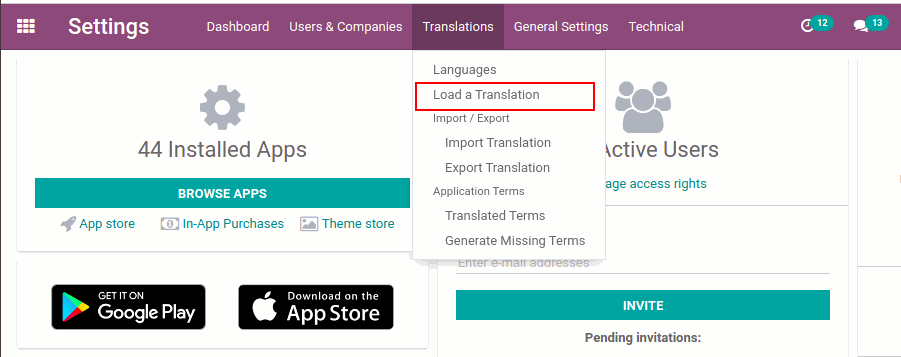
You can see a wizard opened, Select the language and click the Load button to load a new language
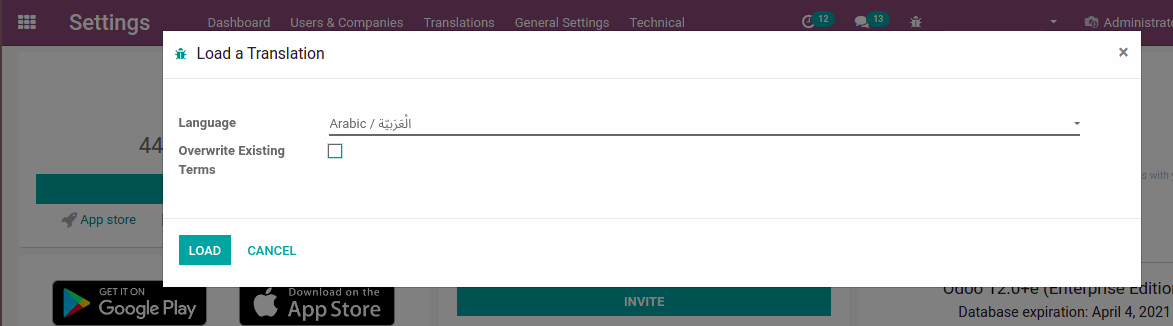
Activate Developer mode from settings.
Select Settings > Translations > Import / Export > Export Translation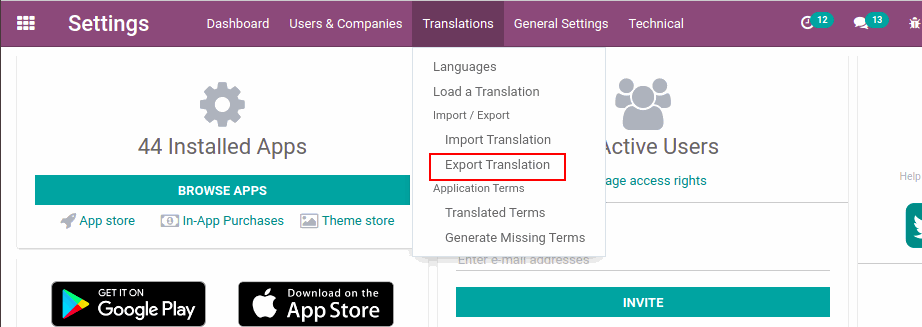
Select the Language to which you need to add a translation. Select File Format as Po File.
Select the modules from Apps To Export to which you need to add the translation.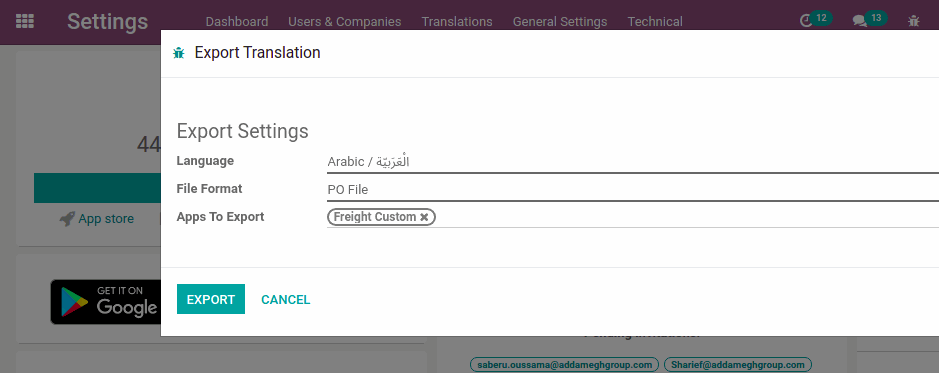
Click the Export button, Now you can see a new wizard opened. Click the download button to download the exported file.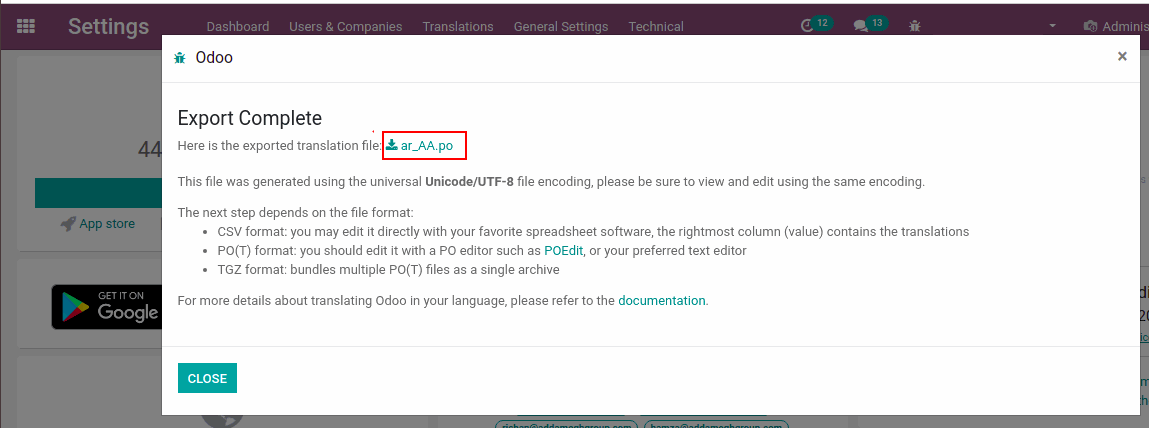
Now you need to edit the exported exported po file.
- msgid is the default text
- msgstr is the translated text. You can edit the msgstr accordingly.

Now go to the custom module and add a new directory named i18n. Paste your customised po file inside this folder. 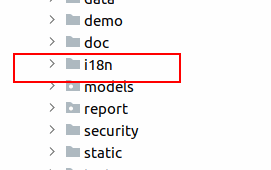
Reload the server and upgrade the custom module to reflect the translation in the system. Select the translated language from the user Preference to view the changes.