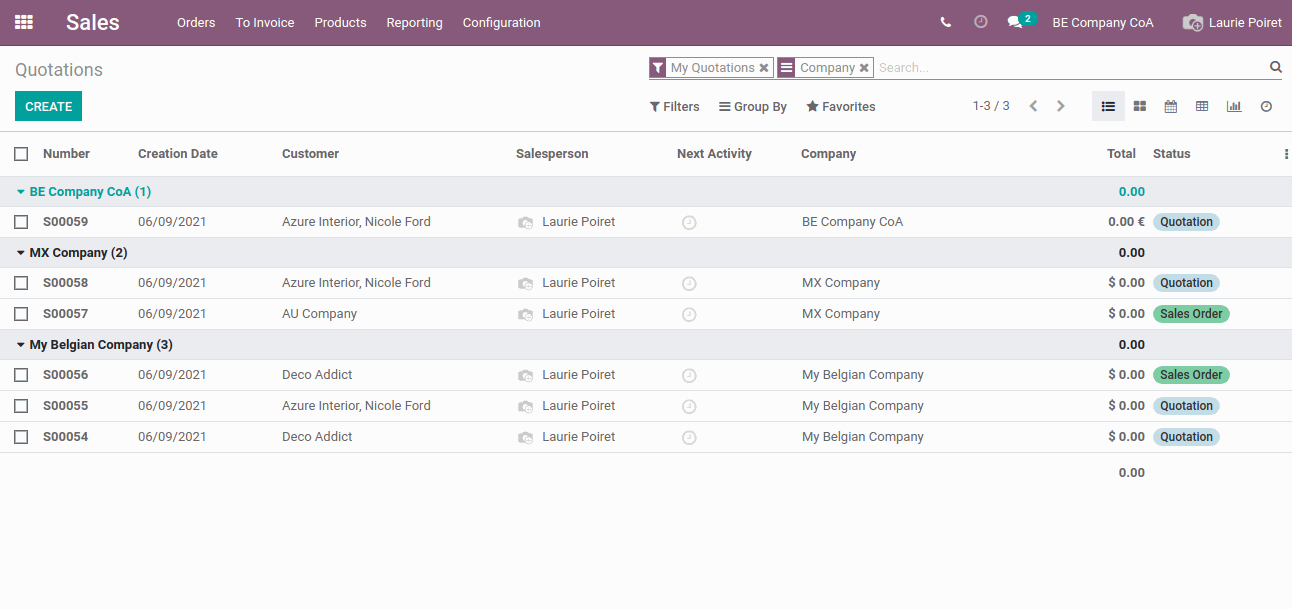
Odoo supports multi companies which allow a centralized management environment. We need to configure access rights for multiple companies for each user. This blog will see how to assign multi-company access rights for the users and how this works when creating records in the system.
Go to >Settings >Users & Companies > Users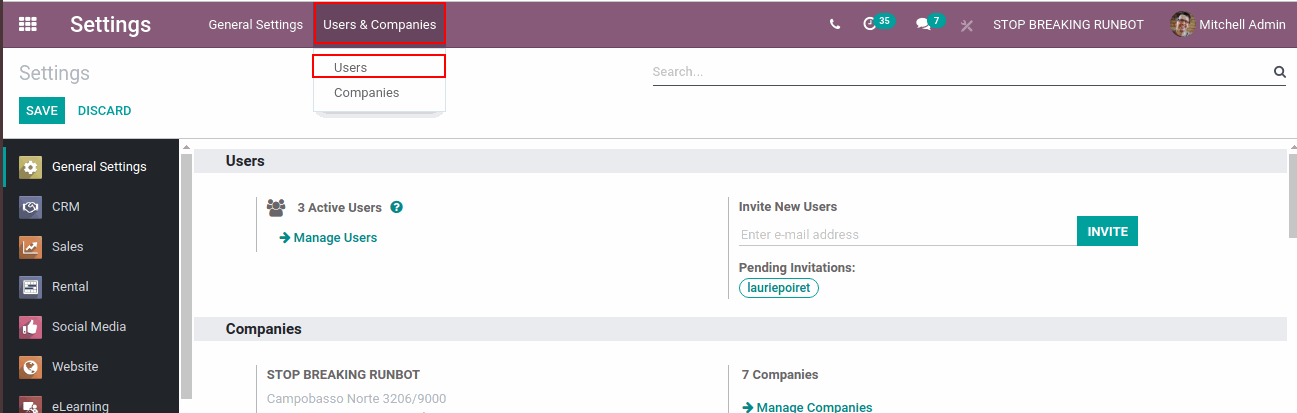
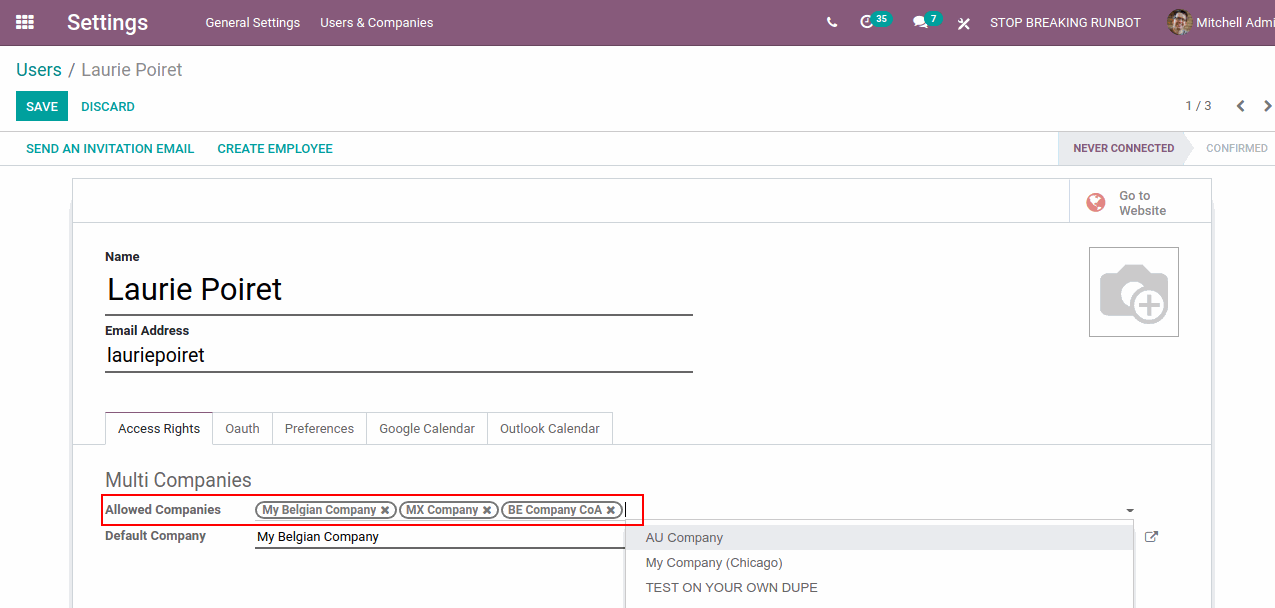
Select the user to which you need to give company access right. Now in the field Allowed Companies, assign the companies to which you need to give access to this user as shown in the screenshot. Save the changes.
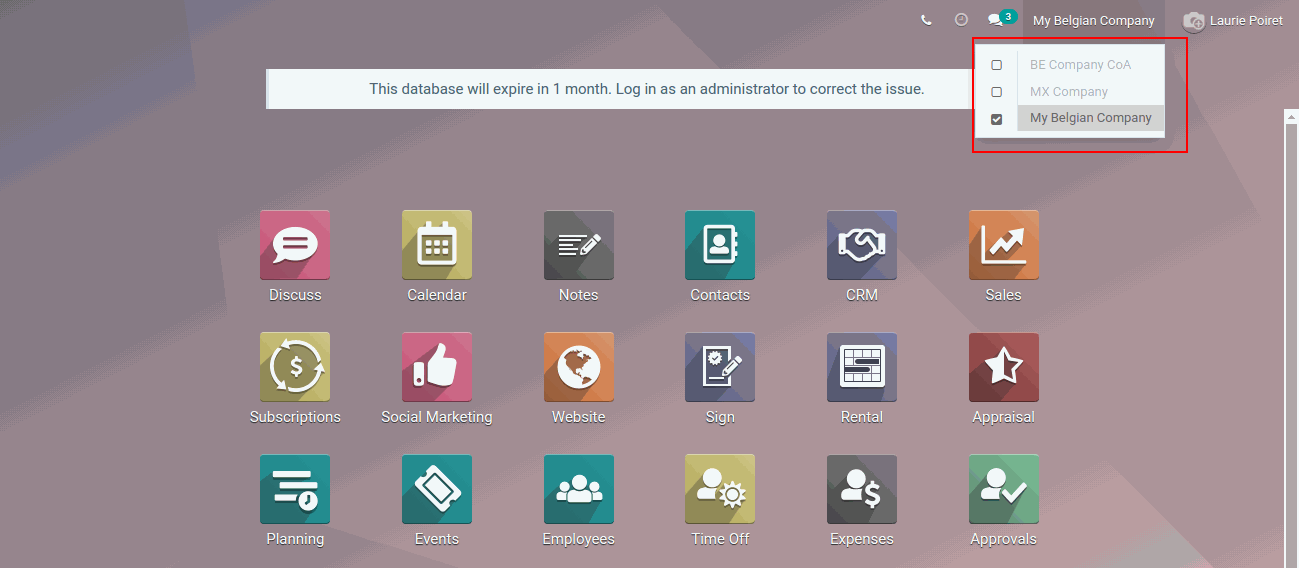
Now login to the user account. Select the company in which you need to create the record.
Here are some sample records which is group by the company.